Databricks Platform Access — Paid vs Free
In this course, we're going to learn the Databricks platform for data engineering. But before we can learn it hands-on, we need access to the platform.
In this lecture, let's cover the options available for getting Databricks access — and which ones we'll actually use in this course.
Databricks on the Cloud
Databricks is a Data Intelligence Platform available on the cloud — and it's available on all three major clouds: AWS, Azure, and Google Cloud.
On the cloud, it's offered as a pay-as-you-go subscription. You get a Databricks Premium subscription, and you pay for what you use.
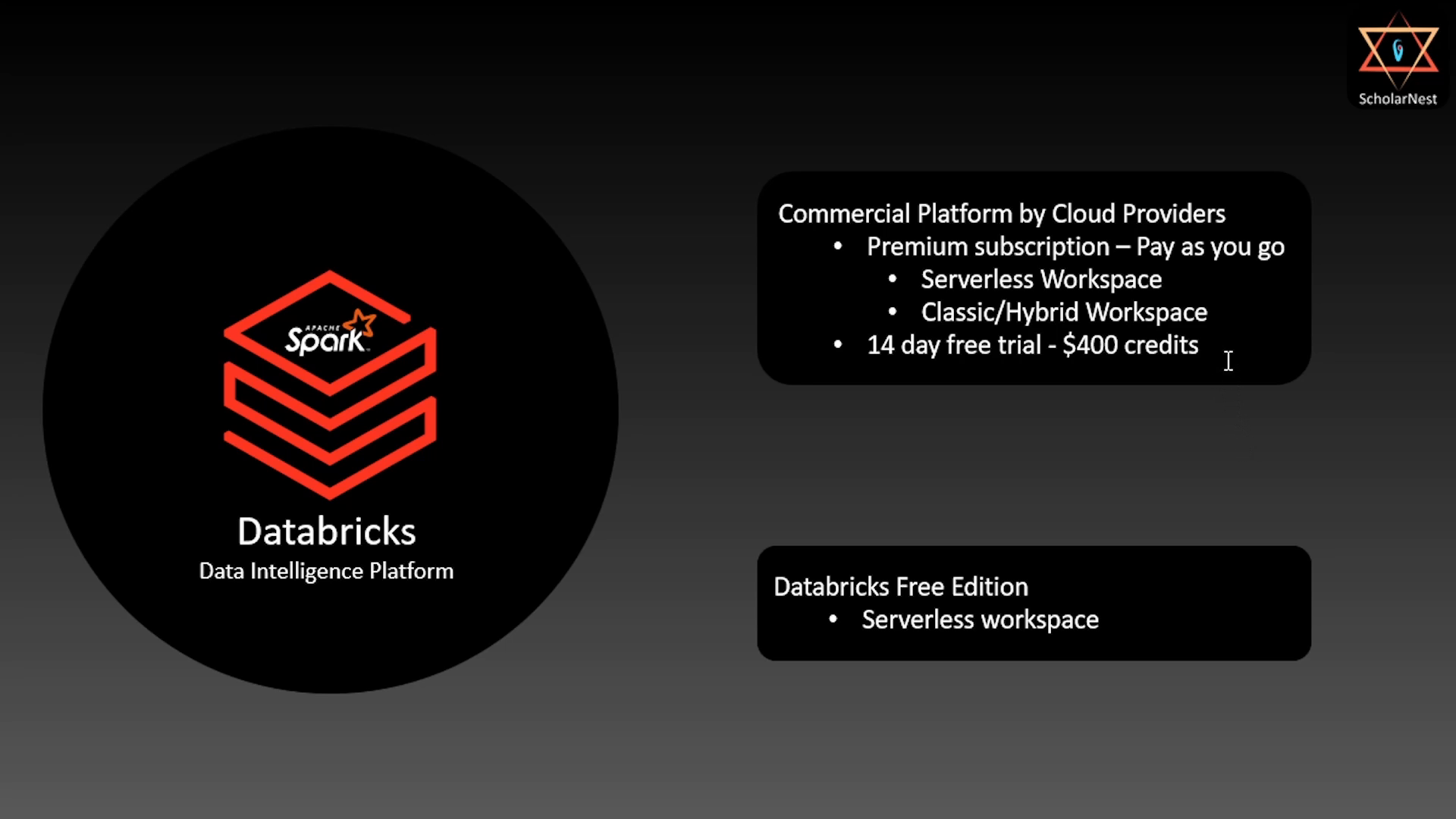 Databricks Paid vs Free comparison
With a Premium subscription, on any cloud, Databricks gives you two types of workspaces:
- Serverless Workspace
- Classic / Hybrid Workspace
(We covered what these mean architecturally in the previous lecture.)
The 14-Day Free Trial
Almost all three cloud platforms also let you try Databricks Premium for 14 days, completely free. During this trial:
- You get full Premium functionality.
- You can create a serverless workspace.
- You can create a classic/hybrid workspace.
- You get $400 in credits to use — so as long as you stay within that, it costs you nothing.
This is how Databricks is available as a commercial SaaS offering on the cloud.
Databricks Free Edition
Separately, Databricks also offers a Free Edition — genuinely free, no trial period, no credits to track.
Here's what to know about it:
- It only offers a serverless workspace. No classic/hybrid workspace option.
- It gives you roughly 80% of the functionality of the Premium serverless workspace.
- The remaining ~20% of features simply aren't available in the free tier.
Which One Should You Use for Learning?
Here's the recommendation, and it's simple:
Start with the Databricks Free Edition, and its serverless workspace. Use it for as much of your learning and hands-on practice as you can.
If and when you hit something that doesn't work in the free edition (remember, ~20% of functionality is missing), that's your cue to switch — go to the commercial platform, either on the serverless workspace or the classic/hybrid workspace, using your 14-day free trial and $400 credit. That should be more than enough to cover whatever you need to finish learning and practicing.
This is exactly the approach we'll follow throughout this course:
- Default: Serverless workspace on Databricks Free Edition, for most lectures, hands-on exercises, and practice.
- When needed: Switch to the Premium subscription (14-day trial) whenever a feature isn't available on the free edition.
You're welcome to follow the same approach as you work through this course.
Summary
| Databricks Free Edition | Databricks Premium (Commercial) | |
|---|---|---|
| Cost | Free, no trial limit | Pay-as-you-go, or 14-day free trial with $400 credit |
| Workspace types | Serverless only | Serverless + Classic/Hybrid |
| Functionality | ~80% of serverless workspace features | 100% of features |
| Best for | Most of your learning and hands-on practice | Anything the free edition can't do |
That's it for this lecture. See you again — keep learning, and keep growing!