Jobs Design Decisions and Production Patterns
This closes out the Lakeflow Jobs chapter with the decisions that matter most once a job leaves development and heads toward production: which task type to reach for, which parameter mechanism fits a given value, and the control-flow patterns worth building as habits rather than relearning each time.
Decision 1: Which Task Type
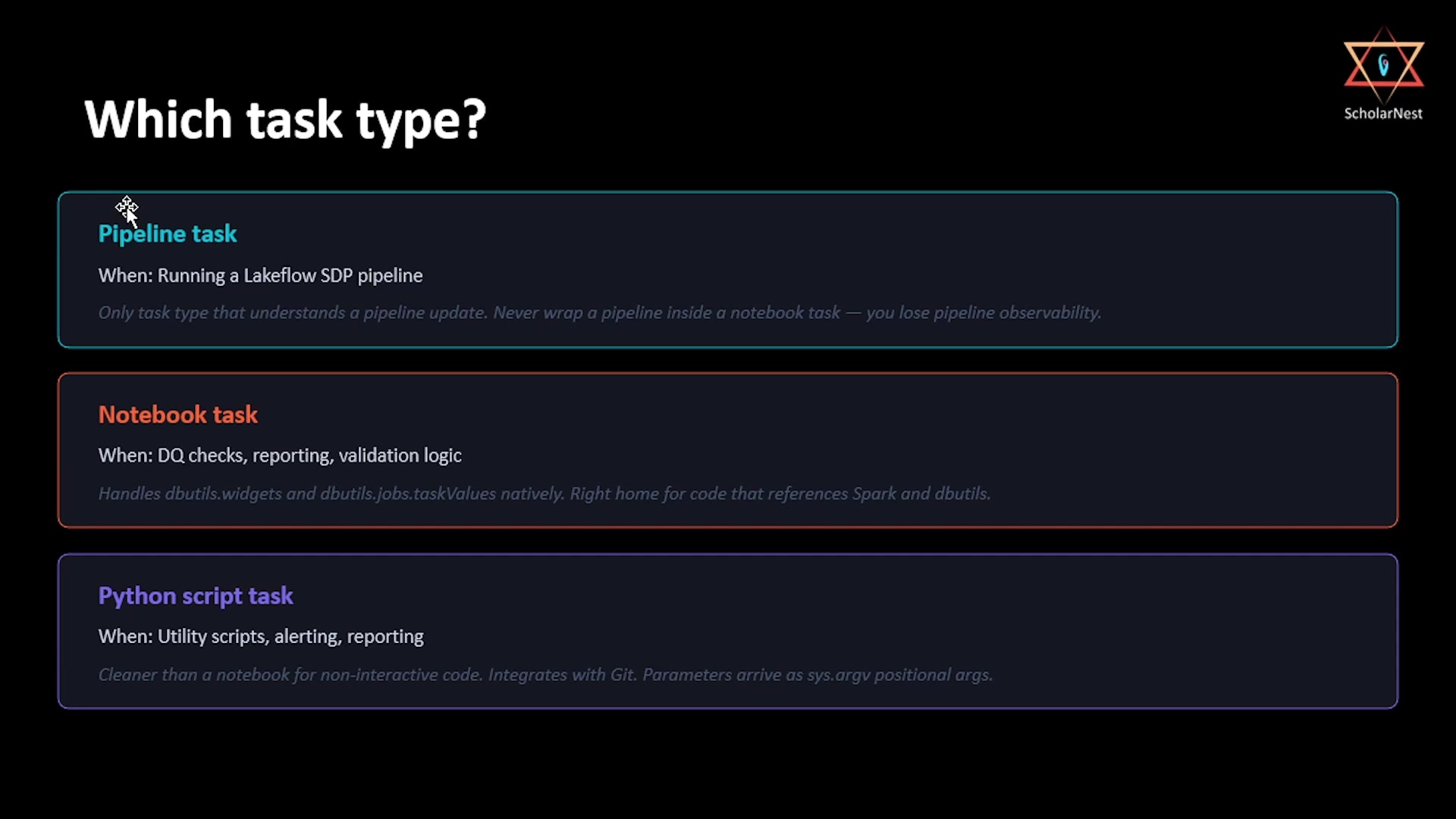 Which task type?
- Pipeline task — use it whenever running a Lakeflow SDP pipeline. It's the only task type that actually understands what a pipeline update is: it handles triggered mode and serverless compute correctly, and surfaces pipeline observability directly in the job run view. Never run a pipeline by calling it from inside a notebook task — you lose that observability entirely, and gain nothing in return.
- Notebook task — use it for data quality checks, validation logic, or any code that leans on
dbutilsand Spark. This is the task type that natively handlesdbutils.widgetsfor receiving parameters,dbutils.jobs.taskValuesfor publishing values, and fails the job cleanly the moment an assertion fails. - Python script task — use it for utility logic, alerting scripts, reporting code, file
management — anything that doesn't naturally belong in a notebook. It receives job parameters as
positional arguments via
sys.argv, and reads task values from upstream tasks the same way a notebook task does.
Decision 2: Which Parameter Mechanism
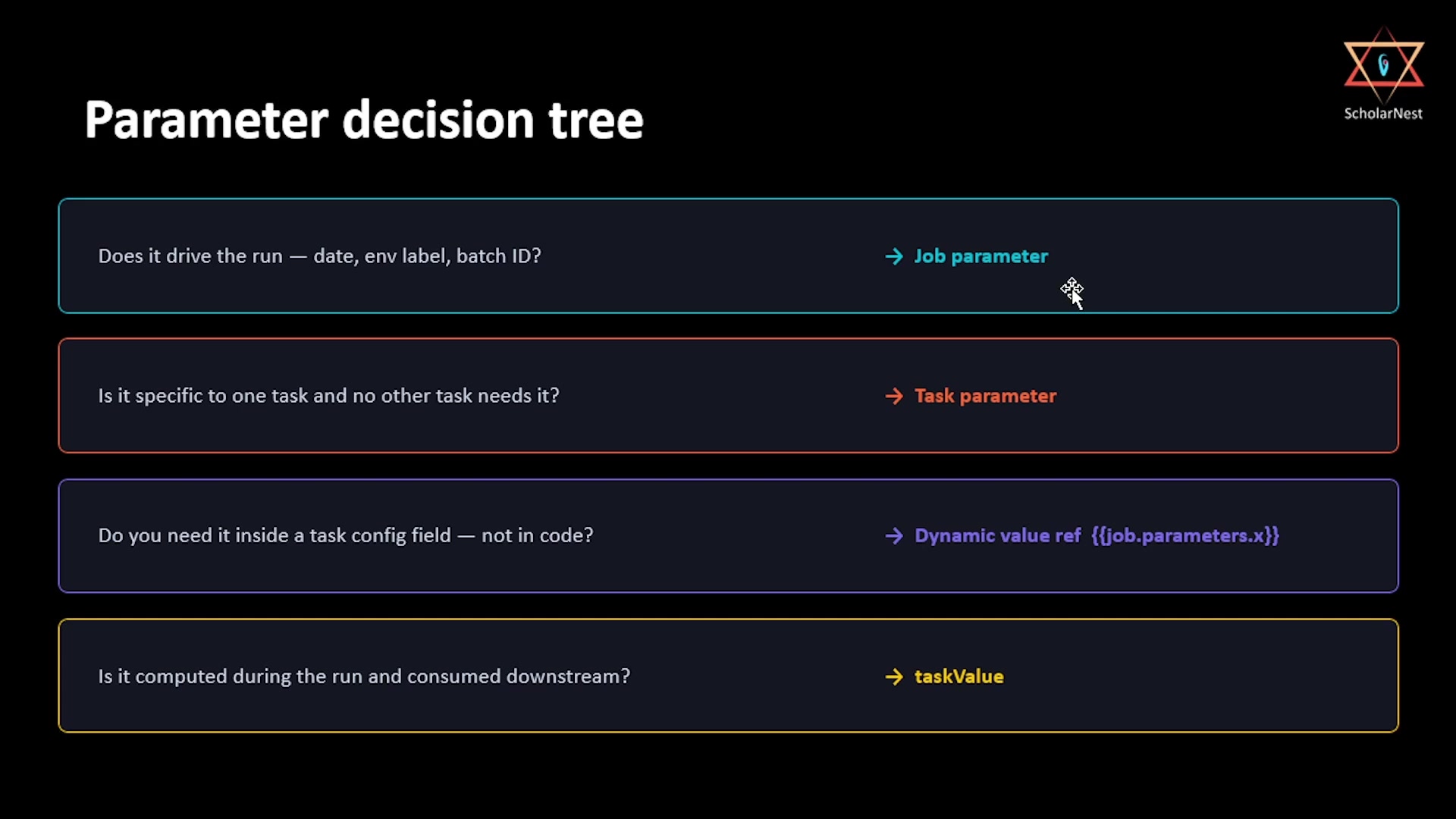 Parameter decision tree
- Does it drive the run — a run date, an environment label, a batch ID? → Job parameter. Define it once at the job level; every task that accepts key/value parameters receives it automatically, pushed down with no extra wiring.
- Is it specific to one task, and no other task needs it? → Task parameter. This is the exception, not the default — most parameters genuinely belong at the job level. Reach for a task parameter only when a value truly has no business being visible to any other task.
- Do you need it inside a task config field, not in code? → Dynamic value reference
(
{{job.parameters.x}}). This is the mechanism for wiring a job parameter — or any platform-generated value — into a UI field like a Python script's argument list, without hardcoding it. - Is it computed during the run, and consumed downstream? →
taskValue. Row counts, validation flags, computed record counts — none of these exist before the run starts, so they can never be job parameters. They only exist because a task computed them, which is exactly whattaskValues.set/taskValues.getis for.
One production caveat on pipeline tasks
Job parameters are automatically pushed down to pipeline tasks — but as of this recording, the underlying SDP pipeline source code still cannot actually receive those parameters, since pipeline parameters remain in beta rather than GA. This is expected to be fixed soon, but it's worth knowing now: don't design a pipeline that depends on receiving a job parameter directly, until that capability is confirmed generally available.
Decision 3: Control Flow
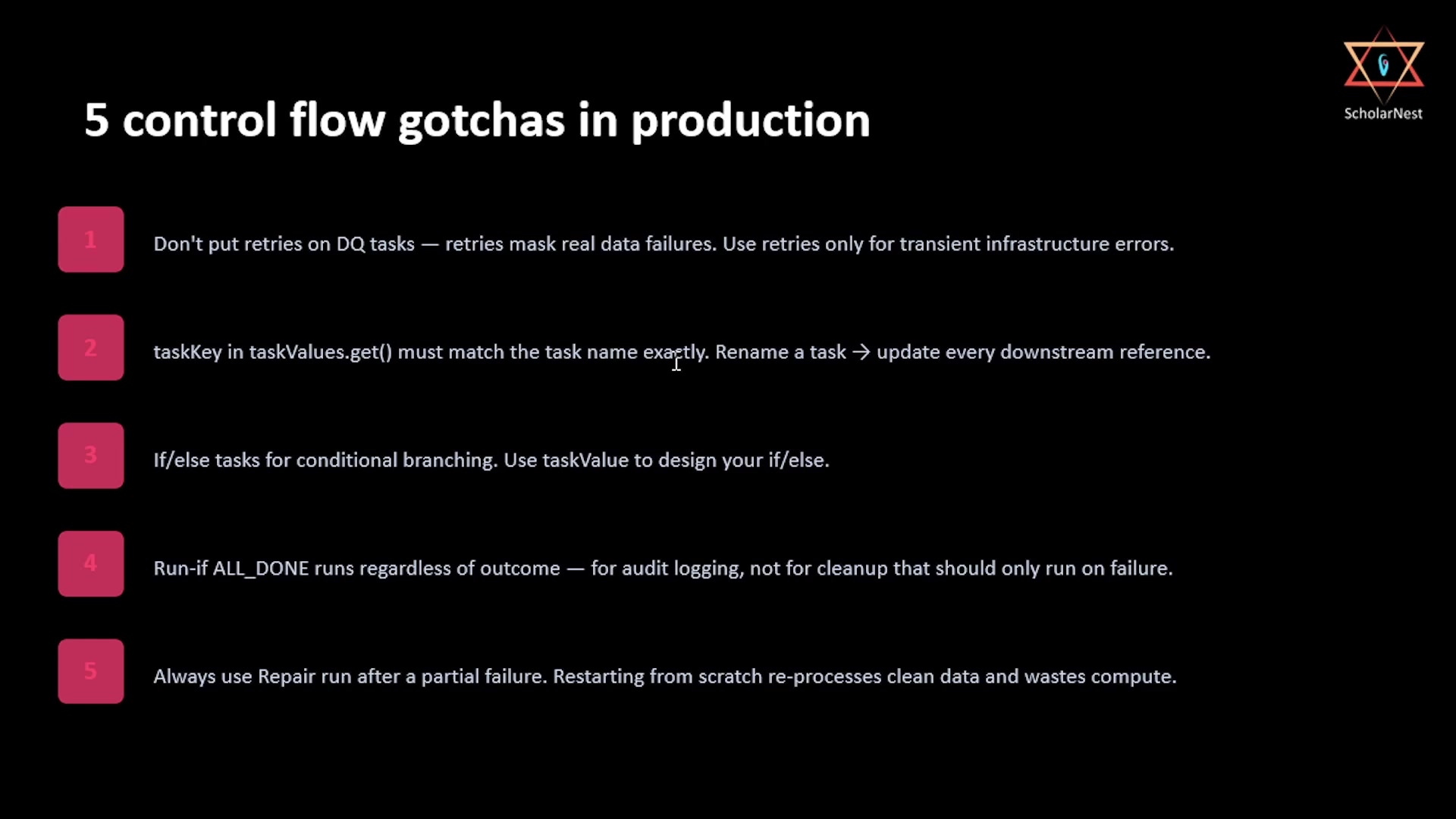 5 control flow gotchas in production
- Don't put retries on DQ tasks. Retries mask real data problems — a data quality failure is a genuine issue with the data itself, not a transient blip. Reserve retries for tasks that can legitimately fail transiently, like infrastructure hiccups, not for tasks whose entire purpose is to catch and surface real failures.
taskKeyintaskValues.get()must match the task name exactly. This makes renaming a task genuinely risky: you may not know, at a glance, everywhere in your codebase that name is referenced. Renaming a task means finding and updating every downstreamtaskValues.get()call that pointed at the old name.- If/else tasks are for conditional branching, and
taskValueis what drives the condition. This is the pattern from the previous lecture: an if/else condition task references a published task value to decide which branch executes. Run if: All doneruns regardless of outcome — success or failure alike. This is the right setting for audit logging (you want a record either way), but the wrong setting for cleanup logic that should only fire after an actual failure. Conflating the two is an easy mistake: "all done" sounds like it might mean "finished successfully," but it doesn't.- Always use repair run after a partial failure — never restart from scratch. Restarting a multi-task job from the beginning after one task failed re-processes everything that already succeeded: wasted compute, wasted time, and a real risk of data duplication if upstream steps weren't fully idempotent. Repair run avoids all of that by design, and in production, it isn't optional — it's the default response to a partial failure.
Summary
| Decision | Rule |
|---|---|
| Pipeline task | Always for SDP pipelines; never wrap a pipeline inside a notebook task |
| Notebook task | For DQ checks, validation, anything using dbutils/Spark |
| Python script task | For utilities, alerting, reporting; parameters via sys.argv |
| Job parameter | Default choice for anything that drives the run (dates, env, batch IDs) |
| Task parameter | Only for values specific to one task that no other task needs |
| Dynamic value reference | For wiring a parameter into a task config field (not into code) |
taskValue | For runtime-computed outputs that don't exist before the run starts |
| Pipeline task parameter caveat | Job parameters push down to pipeline tasks, but the pipeline's own code can't yet receive them (beta, not GA) |
| Retries | Reserve for transient infrastructure failures — never on data quality tasks |
taskKey matching | Must exactly match the task name; renaming a task means updating every reference |
Run if: All done | For audit logging that must always run — not for failure-only cleanup |
| Repair run | The default response to a partial failure — never restart a multi-task job from scratch |
That's the Lakeflow Jobs chapter complete — from "why does orchestration exist" all the way to a scheduled, parameterized, branching, repair-capable production job with both UI and programmatic triggers.
See you again. Keep learning, and keep growing!